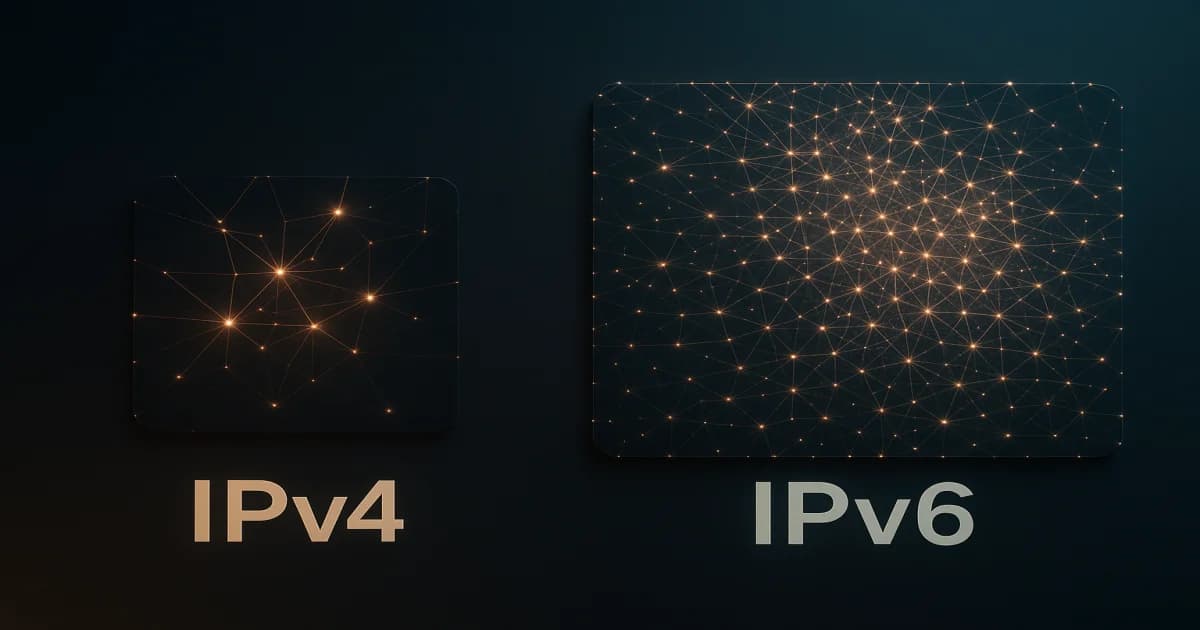

IPv4 address scarcity is a reason to plan IPv6 support. It does not create a universal deadline for replacing a working IPv4 deployment.
For operators, the practical task is to make both paths work correctly. Dual-stack means running IPv4 and IPv6 alongside each other, with routing, security policies and monitoring for both.
Publishing an IPv6 address in DNS is only one part of that work.
A quick comparison
| Area | IPv4 | IPv6 |
|---|---|---|
| Address length | 32 bits | 128 bits |
| DNS address record | A | AAAA |
| Connectivity | Requires a working IPv4 path. | Requires a working IPv6 path. |
| Security | Requires configured access controls and encryption where needed. | Requires configured access controls and encryption where needed. |
| Performance | Depends on routing and the application. | Also depends on routing and the application; not automatically faster. |
DNS supplies addresses; the client decides which connection to attempt. Client fallback can hide a broken IPv6 path, so test each protocol separately.
Dual-stack deployment checklist
1. Inventory the complete service path
Check the operating system, application listeners, reverse proxy, load balancer, firewall and monitoring tools. Include outbound dependencies such as APIs, package repositories and backup destinations.
Record which components support IPv6 and who maintains them. If a proxy terminates public IPv6 while the origin uses IPv4, document that boundary.
Retain working management access while changing network settings.
2. Prepare addressing and AAAA records
Confirm the assigned addresses, routing and gateway configuration with the provider. Make sure the application listens on the intended IPv6 address.
Prepare the AAAA record, but publish it only after the destination passes external tests. Keep the A record while IPv4 remains part of the service.
Do not assume a provider's allocation prefix is also the correct interface or LAN prefix. Follow the supplied network configuration rather than deriving it from the allocation size alone.
3. Test Path MTU and ICMPv6
A successful ping does not prove that HTTPS responses or file transfers work.
Test small requests and larger transfers over IPv6. Path MTU Discovery relies on appropriate handling of ICMPv6 messages, including “Packet Too Big.” Blocking all ICMPv6 can break connectivity.
Apply filtering suited to the interface and network role. The IETF guidance on ICMPv6 filtering explains which messages require particular care.
4. Apply IPv6 security policies
Check IPv6 rules at every relevant layer. Do not assume an IPv4 restriction also covers IPv6.
Restrict administrative ports, review application allowlists and confirm that logs and alerting handle IPv6 addresses.
Enabling IPv6 does not automatically encrypt traffic. IPsec requires configuration, and Secure Neighbor Discovery is not automatically deployed. Continue using TLS and appropriate authentication.
On networks you administer, review Router Advertisement Guard where supported to restrict unauthorized router advertisements. Its scope is the local network; it does not replace host or perimeter filtering.
5. Pilot, monitor and prepare rollback
Start with a test hostname or limited service. Verify DNS, TLS, application behavior and access restrictions from external IPv6 networks.
Monitor IPv4 and IPv6 independently. A check that silently falls back to IPv4 can report success while IPv6 remains broken.
After publishing AAAA records, watch connection errors and application logs. If rollback requires removing a record, account for cached DNS responses rather than expecting an immediate change everywhere.
Where CR Servers fits
CR Servers advertises complimentary IPv6 /80 blocks on request. Confirm the allocation and configuration details for the service you select.
An allocation does not configure your application, firewall or monitoring. Agree on responsibilities and complete the deployment checks before directing users to the IPv6 address.
Frequently asked questions
Must I disable IPv4 when enabling IPv6?
No. Dual-stack keeps both available. Retiring IPv4 is a separate decision based on clients, dependencies and tested connectivity.
Does IPv6 make the service more secure?
Not by itself. Security depends on configured controls, updates and encryption. A newly reachable IPv6 listener can expose a service that was restricted over IPv4.
Is a /80 allocation a general replacement for a /64 LAN?
No. An address allocation and an on-link subnet serve different purposes. Do not assume standard SLAAC behavior on a /80; confirm how the provider expects the addresses to be configured.
Start with a tested service
Review CR Servers VPS options for your workload, then confirm IPv6 allocation and network configuration before deployment.
Keep both protocol paths visible in your operating procedures, from firewall changes to incident response.
Further reading
- IPv6 allocation information: the published request-based
/80offer. - Costa Rica submarine cables: context for separating national connectivity from the routes your service uses.